UMA DASH Useful Links
Official destinations and essential wiki hubs for Krampus Studios racers.
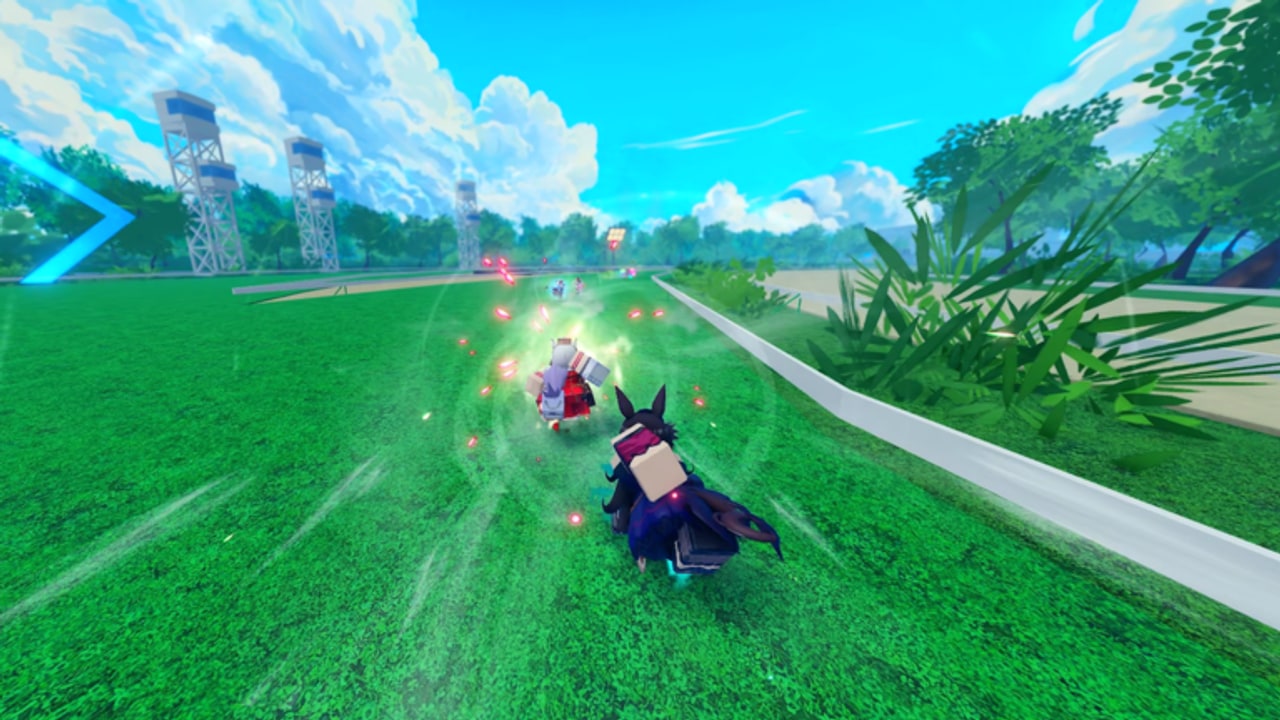
Bookmark this page once and you will stop hunting for mistyped Discord invites or outdated screenshots. UMA DASH by Krampus Studios is a Roblox anime racing game in public beta (UPD 1.5 branding). Progression still happens in-race—Uma kits, perks, builds, ultimates, prestige currencies, leaderboards—but the official destinations and wiki hubs below are how most players stay current between sessions.
This Useful Links Hub lists verified external URLs first, then a full internal map. For the long-form mission statement and disclaimer, read about this wiki. For lobby manners and LFG habits, use the players hub. For a focused walkthrough of the community Trello, open the UMA DASH Trello guide.
Official destinations
Keep these four bookmarked. During public beta, codes, perk cards, and patch notes appear here first.
Play UMA DASH
- Experience: roblox.com/games/116840648112042/UMA-DASH
- Platforms advertised: mobile, PC, and console.
- Expect like-goal messaging, beta warnings, and the live concurrent player count on the experience page.
- Server size is 15 racers—compact enough that community norms matter.
Launch from this URL when friends send vague “Uma dash” search results that might point at a different Roblox racer. UMA DASH by Krampus Studios is not Uma Racing.
Krampus Studios group
- Group: roblox.com/communities/33211657
- Join before redeeming codes; membership is part of the standard gate.
- Studio announcements and related experiences often cluster here.
After you join, finish the tutorial inside UMA DASH, then open Settings → Codes. Reward tables and troubleshooting live on codes. Skipping the group is the most common reason new players think a working string is “broken.”
Community Discord
- Invite: discord.com/invite/af8P36Xgj4
- Extra codes, 1.5K / 2K like drops, bug reports, and looking-for-group posts.
- Patch chatter during UPD 1.5 often lands here before wiki pages finish a refresh cycle.
Use Discord as a signal channel, then confirm rewards in-game. Random DMs selling executors are not official—see scripts for why that path is a bad idea.
Official Trello board
- Board: trello.com/b/ClFTdsnb/uma-dash-trello
- Community-cited official board for game data and perk tracking during public beta.
- Use it to scan lists and cards after patches — then verify every card against the live client. Do not invent perk names from memory or from screenshots that predate the latest hotfix.
Trello is a living reference, not a substitute for in-game tooltips. When a card and the client disagree, the client wins. Full habits, caveats, and wiki cross-links live on the dedicated Trello board guide. Pair Trello with perks and builds when you plan Gold spends, and with updates when a patch reshuffles lists.
Essential wiki map
Progression and how-tos
- Codes — Gold, Prestige Carats, Prestige Spins, Color Rerolls, Mirror Fragments
- Guides hub — systems and how-tos in one index
- Getting started — first-session path after you redeem
- Controls — platform input habits
- Perks and builds — Gold sinks and loadout thinking
- How to win — ultimate timing and placement habits
- Currencies — Gold, Prestige Carats, Spins, Color Rerolls, Mirror Fragments
- Alternate forms — prestige form expectations without invented names
- Common bugs — redeem failures and beta troubleshooting
- How to prestige — Carats, Spins, and intentional prestige
Meta and roster
- Tier List Hub — early-beta S/A/B/C evaluation framework
- Best Umas — spins, rerolls, fragments, picking plan
Patch, community, and destinations
- Updates Hub — beta status and where news appears
- UPD 1.5 deep dive — current branding and code-wave context
- Code drops — like goals and Discord cadence
- Players Hub — etiquette, teammates, group and Discord habits
- Leaderboards — 15-player climb habits in public beta
- Trello board guide — how to read the official perk / data board safely
- About this wiki — unofficial disclaimer and navigation narrative
Scripts (education only)
- Scripts Hub — executor risks and honest limits
- Auto-farm — why farms break; fair loops instead
Quick redeem reminder
- Join Krampus Studios on Roblox.
- Launch UMA DASH from the official experience link above.
- Finish the tutorial so the Codes UI unlocks.
- Open Settings (cog) → Codes.
- Paste strings exactly from codes.
- Reinvest using best Umas and how to prestige.
- Re-check updates and the Trello board after like goals or hotfixes.
That loop is the shortest path from “I just found the game” to “I am spending Carats on purpose.”
Safety note on third-party links
This hub only highlights official Roblox, Discord, and Trello destinations plus this wiki’s internal pages. Random “free spin generator” sites, fake Discord nitro lure pages, and executor download portals are outside our recommendations. If a stranger DMs you a “required” install to claim codes, it is not part of Krampus Studios’ flow—codes redeem in-game after group join.
Also watch for look-alike experience pages. Always match the place ID path 116840648112042 when someone sends a play link in chat. Bookmarking this Useful Links page reduces phishing-by-typo risk more than any single warning banner.
When peers push automation, send them to scripts and keep racing fair in fifteen-player lobbies described on players.
Why a links hub exists
New players bounce between the experience description, Discord, Trello cards, and guides. Centralizing URLs reduces mistyped invites and outdated screenshots. When the next like-goal code lands after the 1.5K celebration (community attention often points at 2K likes next), you should already know which official tabs to refresh—and which wiki page lists the rewards.
Creators and club leaders can paste this hub instead of rebuilding the same bullet list every week. Returning players after a break can scan official destinations first, then jump to updates and codes before touching prestige currencies.
Suggested weekly routine
Monday or after any patch: open updates, then Discord, then codes, then skim the Trello board for perk list changes.
Before a prestige session: how to prestige → tier list → experience page for any live warnings.
When recruiting friends: send this Useful Links URL plus getting started so they do not skip the group join.
When someone asks about cheats: scripts and about this wiki—keep the answer short and firm.
Related reading
Race clean, redeem early, and keep this page pinned beside the Discord invite and Trello board. Official URLs first; wiki hubs second; rumor screenshots never.
Frequently Asked Questions
Quick answers for UMA DASH racers.
What is the official UMA DASH Discord invite?
https://discord.com/invite/af8P36Xgj4 — use it for codes, announcements, bug reports, and LFG posts.
Where do I play the game?
https://www.roblox.com/games/116840648112042/UMA-DASH on Roblox with mobile, PC, and console support advertised.
Which group do I join for codes?
Join Krampus Studios on Roblox (community id 33211657), finish the tutorial, then redeem in Settings.
Where is the UMA DASH Trello board?
https://trello.com/b/ClFTdsnb/uma-dash-trello — community-cited official board for game data and perk tracking. Verify cards in-game after patches; see /links/trello/.
Is this links page official?
No. This wiki is unofficial, but the Roblox, Discord, and Trello URLs listed here point to the studio’s public destinations.
Where are working codes listed on the wiki?
On the Codes hub at /codes/ — verify there before trusting screenshots from chat.
Where is the wiki disclaimer?
Read About This Wiki at /wiki/ for the unofficial fan disclaimer, navigation rules, and hub map narrative.