How to Redeem UMA DASH Codes
Fix every common failure — group join, tutorial unlock, exact casing, and expired responses.
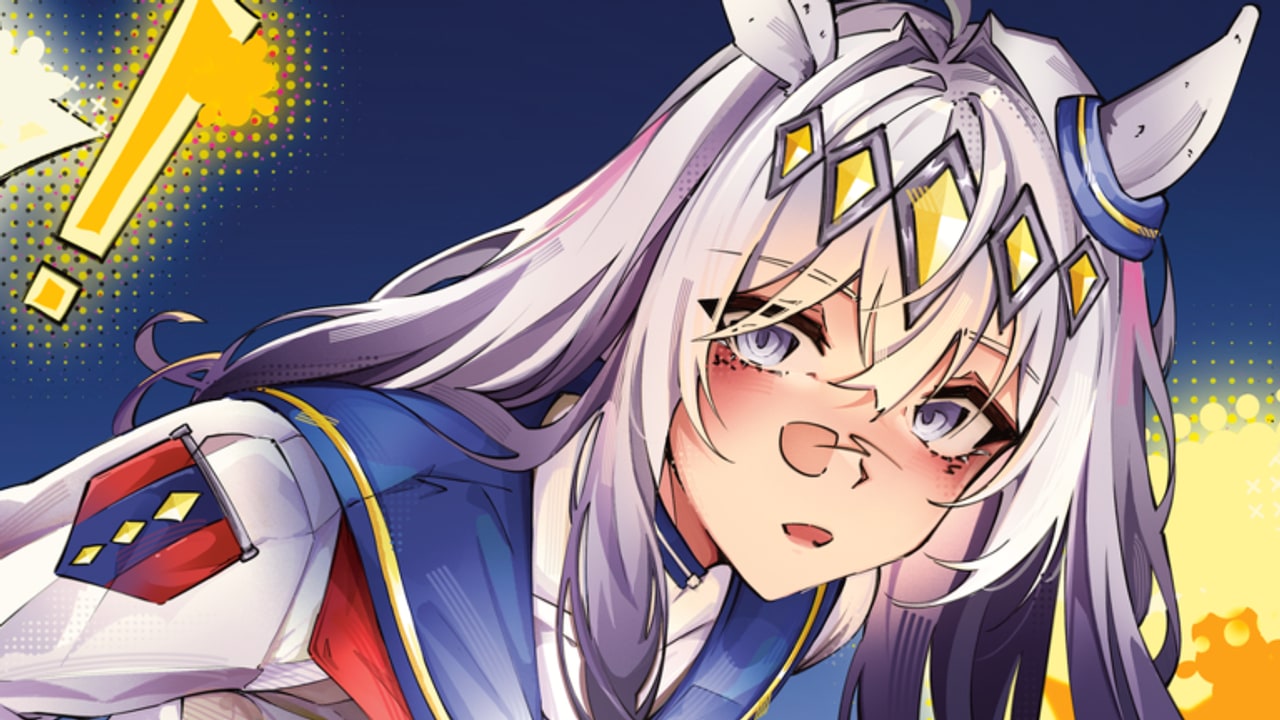
Redeeming codes in UMA DASH looks simple, but public-beta gates trip up a lot of new racers. This guide walks through the official path, then diagnoses every frequent error so you can clear the full list on the Codes Hub in one session.
UMA DASH is developed by Krampus Studios, runs on Mobile, PC, and Console, and is currently in public beta under titles like [UPD 1.5] UMA DASH. Codes feed Gold, Prestige Carats, Prestige Spins, Color Rerolls, and rare Mirror Fragments into the same loop as perks, ultimates, prestige, and leaderboards. They are free progression — treat redemption like a checklist, not a gamble.
Prerequisites before you open Settings
1. Join the Krampus Studios group
Many Roblox experiences lock social rewards behind group membership. For UMA DASH, join the Krampus Studios Roblox group before you expect codes to stick. If you skip this step, the Codes field may reject strings that work for group members.
After joining, fully restart the experience (leave the server, then rejoin) so membership syncs. Soft reloads sometimes leave the old non-member state cached.
2. Launch the correct place
Open the real game: UMA DASH on Roblox. Do not confuse it with the older Uma Racing title. Codes, Discord invites, and patch branding differ. Favoriting the wrong experience wastes time and leads people to paste UMA DASH strings into the wrong UI.
3. Finish the tutorial
The Codes section unlocks after you complete the tutorial. New accounts that jump straight to Settings often find the Codes panel missing, greyed out, or silently failing. Race the intro, accept the onboarding prompts, and only then hunt for the cogwheel.
If you abandoned the tutorial mid-way on another device, finish it on the same account. Tutorial progress is account-bound; partial completion on a secondary profile will not help your main.
Exact redemption steps
- Join Krampus Studios on Roblox.
- Launch UMA DASH and finish the tutorial.
- Look at the top-left HUD and tap or click the Settings cogwheel.
- Open the Codes section inside Settings.
- Paste one code at a time — preserve capital letters and trailing
!marks. - Press Enter (or the on-screen confirm control on mobile/console).
- Confirm the reward toast / inventory bump before moving to the next string.
Work from the live table on the Codes Hub. High-value packs such as ThankYouAll!, TY1500LIKES!, BetaRelease!, and HARIKITTEIKOU! should go first so Prestige Carats, Spins, and the Mirror Fragment land even if a later code rotates out during your session.
Platform notes (Mobile, PC, Console)
UMA DASH supports Mobile, PC, and Console. The Settings cogwheel location stays top-left across platforms, but input differs:
- PC — Mouse click the cogwheel, paste with Ctrl+V (Cmd+V on Mac), press Enter.
- Mobile — Tap the cogwheel, long-press to paste from the clipboard, confirm with the on-screen action.
- Console — Use the controller cursor or highlighted UI focus to open Settings, paste if your platform supports clipboard into Roblox text fields, or type carefully with the on-screen keyboard.
If clipboard paste strips characters on mobile, type the code manually while glancing at the hub table. Auto-correct loves turning BOOST! into something useless.
Troubleshooting: code will not redeem
”Invalid” or “does not exist”
- Re-check spelling character by character.
ThankYouAll!is notThankYouAlland notthankyouall!. - Preserve exclamation marks. Several active codes end with
!(BOOST!,TY1500LIKES!,HARIKITTEIKOU!,Welcome!,UmaDash!,750LIKES!,500LIKES!,BetaRelease!,TY1KLIKES!). - Do not add spaces before or after the string.
- Confirm you are in UMA DASH, not Uma Racing.
Already redeemed
Most codes are one claim per account. A success message the first time and a rejection later usually means you already got the loot. Check Gold, Prestige Carats, Prestige Spins, Color Rerolls, and Mirror Fragments instead of spamming the field.
Expired
Milestone codes rotate. Strings such as PerkCrafting!, FirstPatch!, QuickFix, MoreBalancing!, HalloweenUpdate, 500INTERESTED, 250INTERESTED, 1KMEMBERS, and BalanceAdjusments are expired examples. If the hub marks a code expired — or the game says expired — stop retrying.
2KMEMBERS is a special case: community lists sometimes disagree. Try once; if it fails, mark it mentally as rotated and continue with confirmed actives.
Tutorial or group gate
Missing Codes UI almost always means unfinished tutorial or missing group join. Complete both, rejoin a fresh server, then reopen Settings.
Nothing happens after Enter
- Wait a second for server confirmation; beta lag can delay the toast.
- Try one more Enter, then leave and rejoin if the UI freezes.
- Avoid redeeming during a race countdown if the Settings panel fights for focus — redeem in the lobby or a quiet moment.
Wrong rewards shown on a website
Third-party lists occasionally disagree on packages (especially around member-milestone codes). Trust the in-game grant. Our Codes Hub documents the commonly reported rewards for November 2026; if your toast differs slightly after a hotfix, keep what the client gave you and check Updates for patch notes.
After you redeem: what to do with the loot
Codes are only useful if the currencies enter a plan:
- Gold — Fund early upgrades and perk experimentation. See Perks and Builds and Getting Started.
- Prestige Carats — Hold for deliberate prestige choices. Read How to Prestige before spending.
- Prestige Spins — Save for pulls when you know which Uma direction you need; cross-check the Tier List.
- Color Rerolls — Cosmetic priority; fine to use anytime.
- Mirror Fragment — Rare; bank it until you understand prestige / alternate-form goals.
Prestiging with the right Uma may reveal hidden alternate forms. That makes Carats and Spins from codes strategically important, not just vanity currency.
Habit loop for staying stocked
- Bookmark the Codes Hub.
- Watch Krampus Studios Discord announcements for new drops (invite: discord.com/invite/af8P36Xgj4).
- After each major patch on Updates, re-run the redemption checklist.
- Never buy “private codes” from strangers — official drops are free and posted publicly.
Once your bankroll is loaded, sharpen race habits with Controls and How to Win. Codes open the wallet; timing and builds win the dash.
Quick reference checklist
- Joined Krampus Studios group
- Playing the correct UMA DASH place ID
- Tutorial completed on this account
- Settings cogwheel (top-left) → Codes
- Exact casing and
!characters - High-value codes redeemed first
- Expired archive ignored
- Currencies assigned to a prestige / build plan
Run that list every time a new code drops and you will rarely need support. When something still fails, compare against this page section-by-section before assuming the code itself is broken.
Frequently Asked Questions
Quick answers for UMA DASH racers.
Do I need to join a Roblox group to redeem codes?
Yes — join the Krampus Studios group, then relaunch UMA DASH so membership syncs before using the Codes section.
Where is the Codes button?
Open the Settings cogwheel in the top-left of the HUD, then use the Codes section. It appears after you finish the tutorial.
Why do some codes end with an exclamation mark?
Those characters are part of the official string. BOOST!, ThankYouAll!, UmaDash!, and similar codes fail if you omit the !.
Can I redeem the same code twice?
No. Codes are generally one claim per account. A second attempt usually returns already redeemed or invalid.
What if the Codes section is missing?
Finish the tutorial, confirm you are in UMA DASH (not Uma Racing), rejoin a fresh server, and reopen the top-left Settings menu.